dotCover not filtering at all

- Using the GUI application.
- I have unchecked the "Fitler out system and auxilary assemblies" (I'm trying to cover code in the Microsoft.* namespace)
I've set coverage filters
- in the app settings: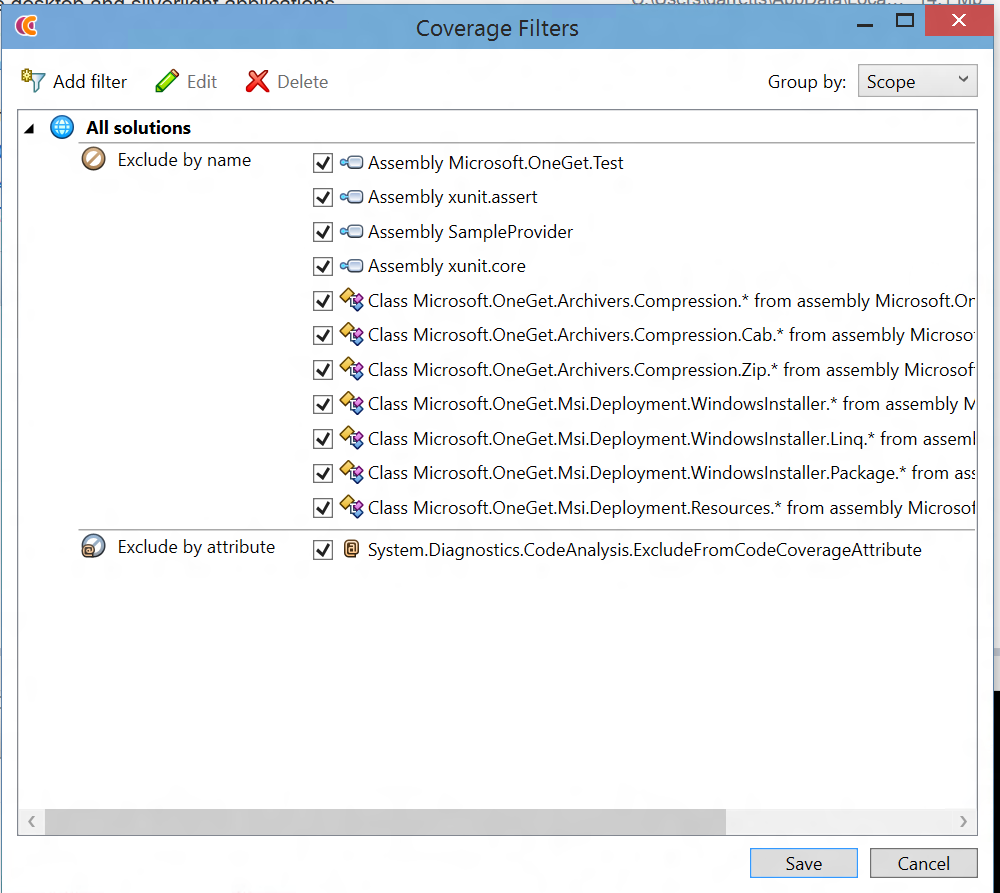
- in the launch settings: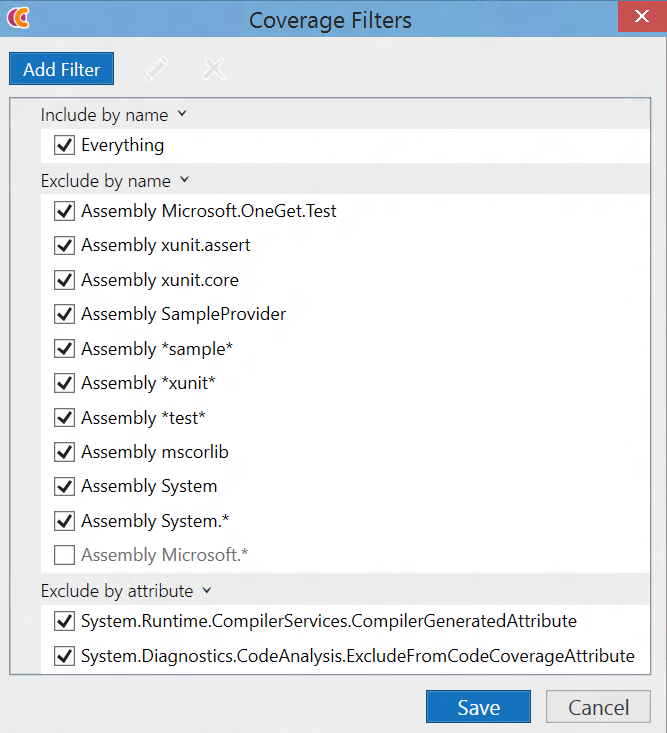
And yet it fails to filter out any of that.
Is it not applying filters because I unchecked that box?
Garrett
Please sign in to leave a comment.
Hello Garrett,
Unfortunately I see that there are indeed some problems with filtering in dotCover's standalone application:
1. Filters are not applied when you run coverage analysis by pressing "Analyze" button on "Welcome" screen and snapshots history is not empty;
2. Filters specified in the launch settings are applied incorrectly.
I've opened two new issues in our tracker:
https://youtrack.jetbrains.com/issue/DCVR-7300
https://youtrack.jetbrains.com/issue/DCVR-7301
In order to achieve correct filtering could you please try to do the following:
- leave "Filter out system and auxiliary assemblies" option unchecked;
- specify all your filters in the application settings (menu File / Edit Coverage Filters...);
- start coverage using menu File / Cover Application...
Sorry for the inconvenience.
Best regards.